
FDHS Technology
General Technology Support
fdoug.techsupport@pgcps.org
School Based IT Technician II
Joseph Newman
joseph.newman@pgcps.org
Office: Library Media Center
Ext. 83027
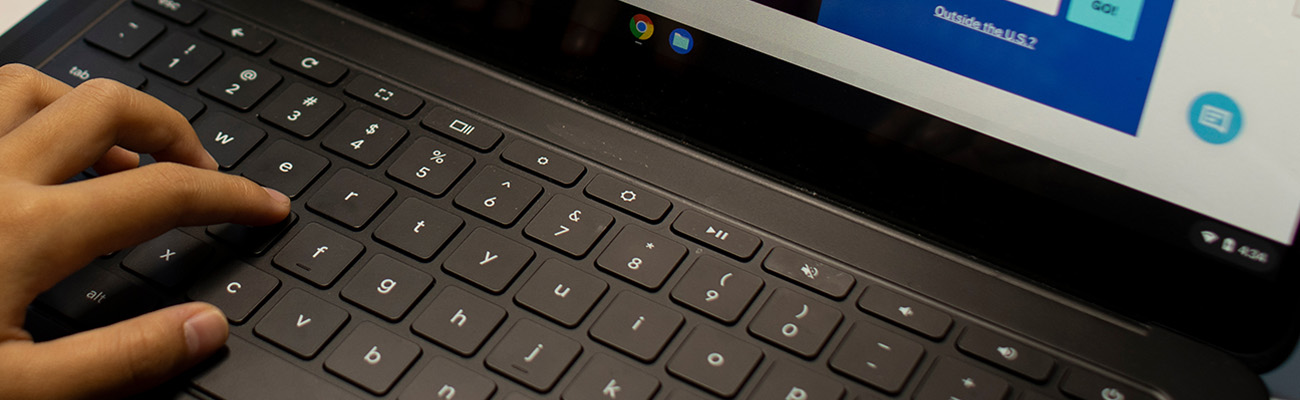
How to "wake up" a Chromebook that will not turn on.*
If this method does not work your Chromebook might have a real power issue. Try plugging your charger into another outlet or try using another charger if you have access to one. Then try the "wake up" steps again. If it still will not turn on, take the device to your school's IT Technician.
If your Canvas, Clever or other site is not loading fully or not at all you might need to clear your Chrome/browser history. This method is very similar for a Chromebook or school laptop.
Tip: This issue is most likely due to having multiple email accounts used within the same browser. Try to use a different browser to access personal email accounts if you are on a laptop. If you are on a Chromebook delete that email access information from your current history. Go to Chrome menu-> History->History and delete recent history so the other account info is no longer there.