
Everything for Editors
Collaboration between editors: Comments
Most PGCPS.org content is produced by different editors, and on some pages, content or other changes need to be reviewed and approved before they can be published. To facilitate collaboration between editors when creating content and between editors and translations when approving changes, Optimizely comes with a commenting functionality. You can add comments on content items and on projects, and you can also tag colleagues who are then notified of your comment.
Comments are a good way of adding information about changes you have made or asking other editors to review the item. Other editors can view your comments and reply to them, and also add their own. Email notifications may be sent out to let you know of other editors actions.
Note: Comments are connected to a specific version of an item. If you delete an item version, all comments on that version are also deleted.
Adding comments
Commenting on content items
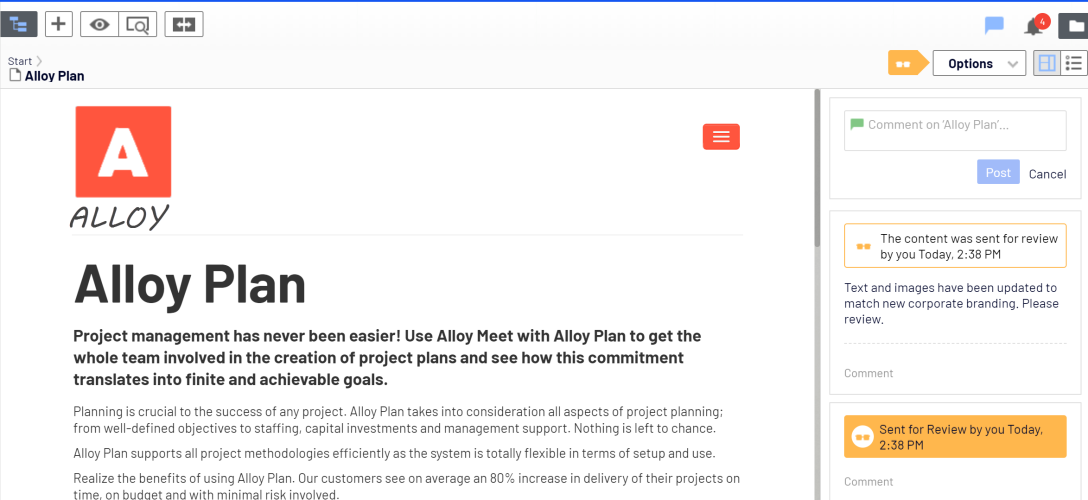
You can add comments on any type of content item. A real-life scenario might be when you are working on an item that needs to be reviewed, and you want to let the reviewers know exactly what has been updated.
You add and view comments in the comment panel. It is opened and closed by clicking the comment symbol  in the top toolbar. The icon is black when the comments panel is hidden, and blue when it is visible.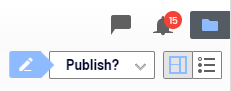
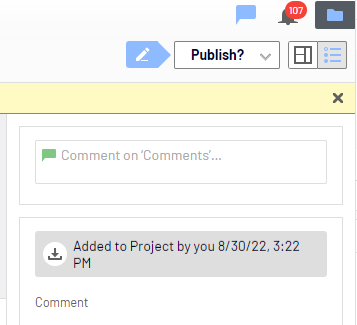
Adding a comment to a content item
- Open the content item. You need access rights to the item to view and post comments.
- Click the comment symbol in the top toolbar to open the comment panel.
- You can either add a comment in the top comment text box to add a comment on the content item itself, or click Comment on one of the item's actions. For example, if the item has been sent for review, you can add a comment on the review request action.
- To tag another editor, enter @ followed by their username. Select the user from the displayed list of suggested users. You can tag any of the available users but the tagged user still needs access rights to the project item to see the actual comment.
Tagged users are notified in the user interface of comments.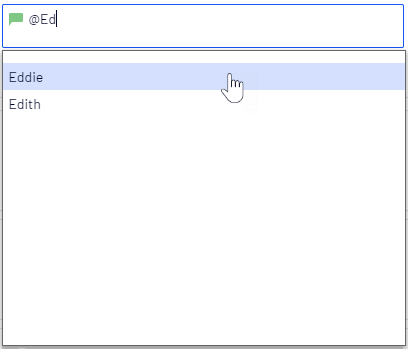
- Press Enter or click Post.
Commenting in projects
You can add comments on a project itself or on specific project items or actions.
Note: If you go to the project overview to read a comment, the project is automatically activated. If you do not want to continue working on the project, you have to deactivate it again.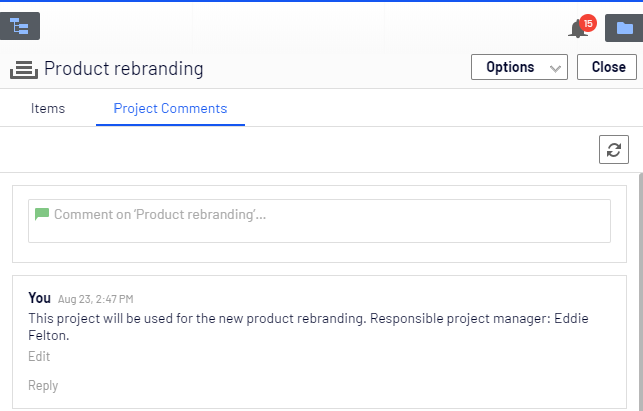
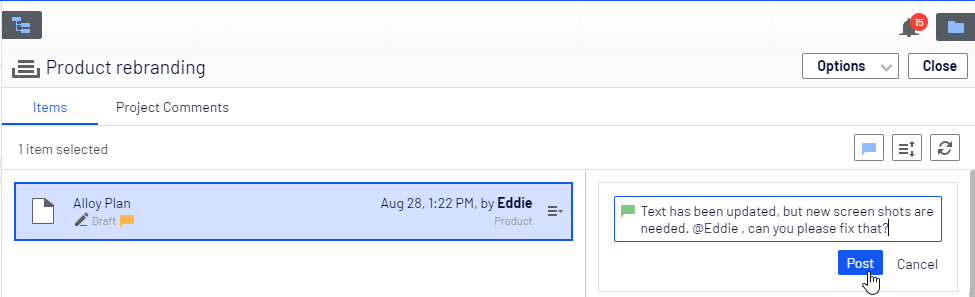
Adding a comment to a project or project item
- Select the project in the project toolbar and click Overview.
- To add a comment to a:
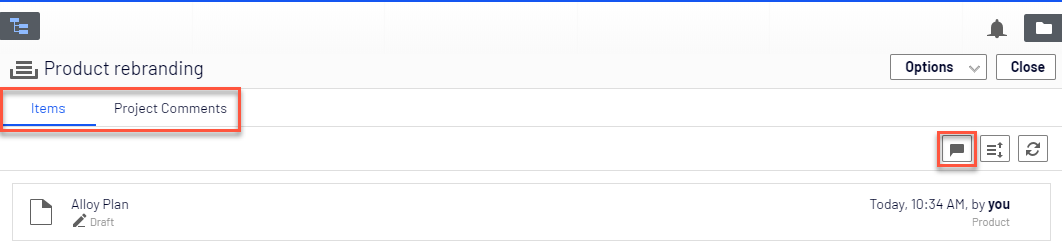
- Project. Select the Project Comments tab in the project overview.
- Project item. Select the Items tab in the project overview and then Show comments. Select the project item you want to comment on. Items that already have comments are marked with a yellow comment icon
 .
.
- Add a comment in the comment text box. If you add a comment on a project item, you can either add it to the item itself or click Comment on one of the item's actions.
- To tag another user, enter @ followed by the user name. Select the user from the displayed list of suggested users. The tagged user receives a notification in the user interface, and depending on the system configuration, may also receive an email notification. You can tag any of the available users but the tagged user still needs access rights to the project item to see the actual comment.
- Press Enter or click Post
Replying to a comment
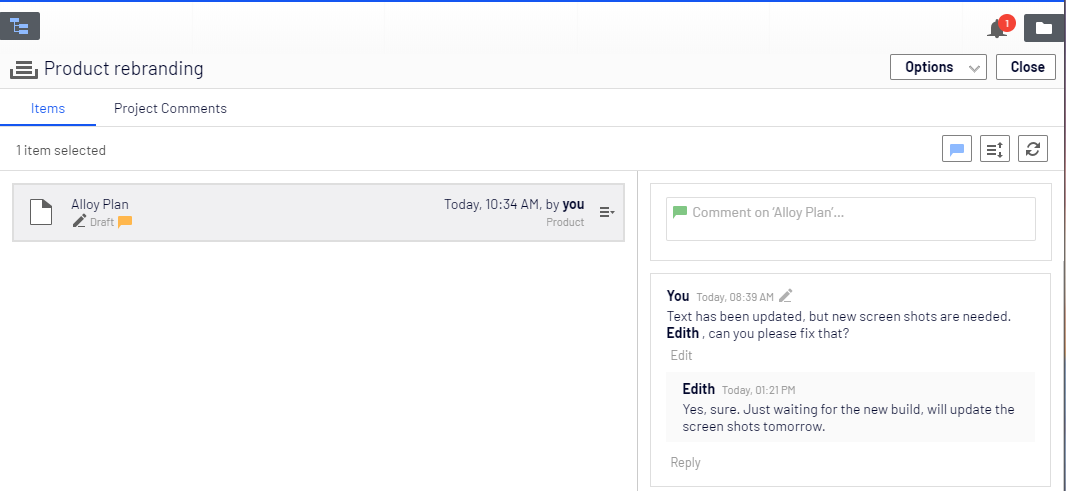
Click Reply on the comment you want to reply to and enter your comment in the text box. Press Enter or click Post.
Editing a comment or reply
You can edit comments and replies that you have created yourself. Click Edit on the comment or reply you want to change. Press Enter or click Save. Edited comments or replies are marked with a pen symbol  .
.
Deleting a comment or reply
You cannot delete comments or replies yet.